Note : always check for new versions :thing:
Added: Auto-rejoin room when disconnected
Added: Build number advertisement
Added: Tool button for Anti-boot options
Added: Tool button for Voice
Added: Voice ping
Added: Y!Supra message on start up
Added: YMSG servers
Improved: Audio Component
Improved: Font color selector
Improved: Ghost and god modes
Improved: Instant Message flood filter
Improved: Main menu display
Improved: Porn bot filter
Fixed: Account Manager not coming to foreground after typing /ghost
Fixed: Buddy List disappearing bug
Fixed: Default client ID
Fixed: Default setting for Chat/IM filters
Fixed: Error when Windows theme is changed
Fixed: Packet Analyzer scroll error
Fixed: Statusbar panel for packet received not being drawn correctly
Fixed: URL launch when no default browser is detected
THANKS TO BRO DUBEE & SUPRA STAFFS FOR RELEASING THIS UNBOOTABLE CLIENT:flowers:
Tutorial
To greater understand the more common command features of the client we have assembled a list with
some of the commands.
Explain their purpose and how to activate the command
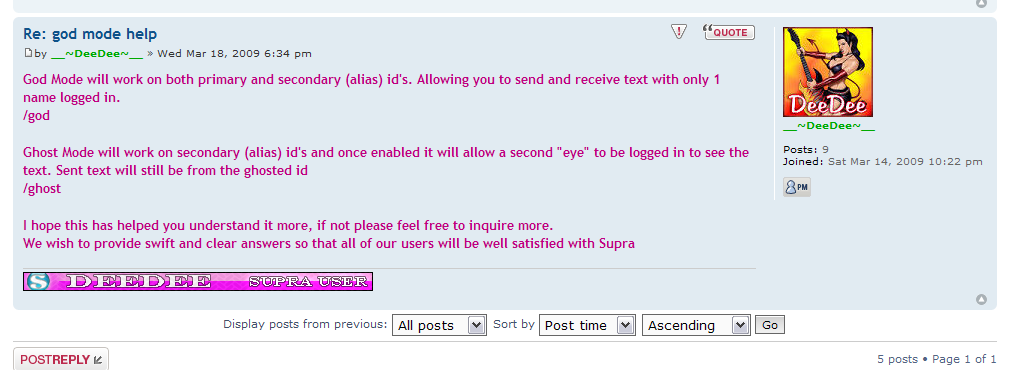
Enabling/Disabling God Mode
To enable god mode you must first Join the chat room of your choice, then typing /leave. After seeing 'You have been signed out of Chat. Please re-join.' Instead of
rejoining type /god. You should then be signed back in and joined the room now under God mode.
Enabling/Disabling Ghost Mode
To enable ghost mode you log in a secondary (alias) ID. Type /ghost the account manager will pop up asking you to log in your ghost id.
Both Ghost and the Ghosted id's will be in the room. Supra will give you a message saying ghost Mode Enabled.
Inactivating/Activating a Profile
Type /activate will turn on incoming and outgoing text of the chatroom
Type /inactivate will turn off incoming and outgoing text of the chatroom
Using the Buddy Deny
Type /buddydeny username to take your username off someone else's buddy list
To Record Voice Chat
Type /record Enables or disables Recording depending on current state .
Once the record is turned off you will get a box asking you to name the file.
File will be saved in a .wav format
To Enable/Disable Voice in Chat
Type /voice Enables or disables Voice depending on current state
this is helpful if one is refreshing voice.
Using the Wildcard Username
/wildcard expression Adds "expression" to Username Wildcard
Help
Typing /help will show you the full list of commands in your chatscreen whenever you might need them
GUD LUCK BRO


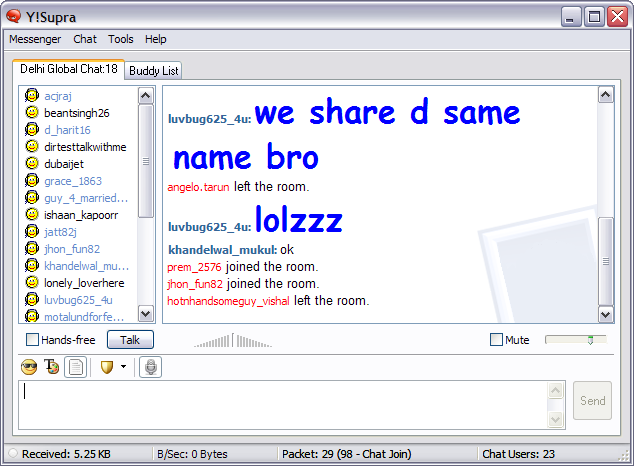
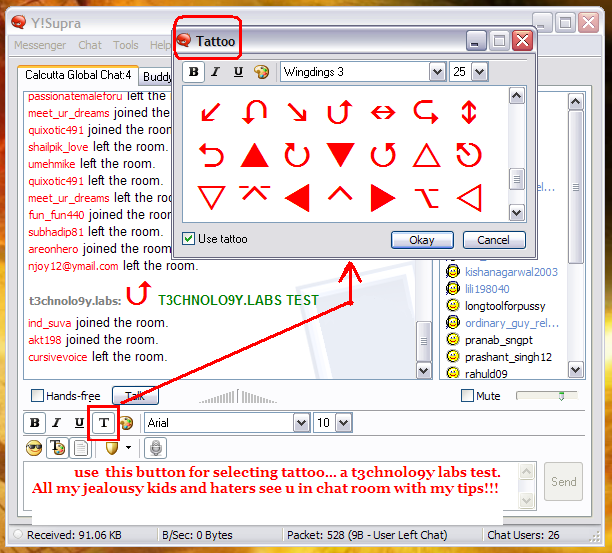
stay unbootable !!!!!!

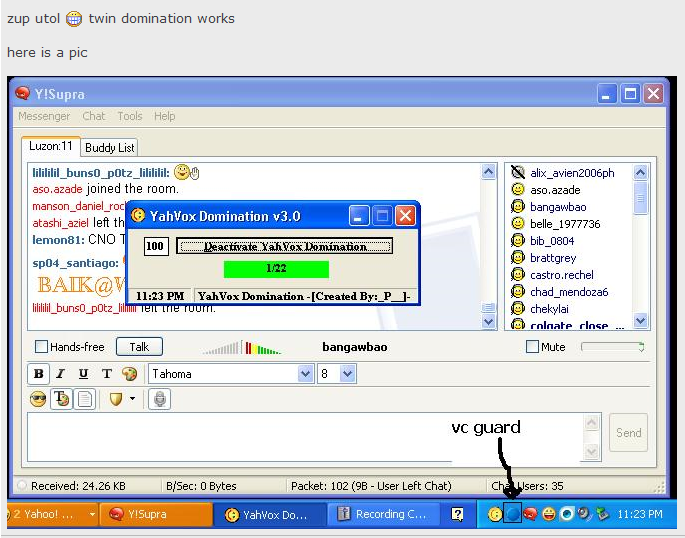
TWIN DOMINATION !!!!


Tidak ada komentar:
Posting Komentar